Claim free courses and guides from the store. They are added to your dashboard, where you open them whenever you need them.
4 steps About 2 minutesUpdated 15 October 2026
1
Open the resource
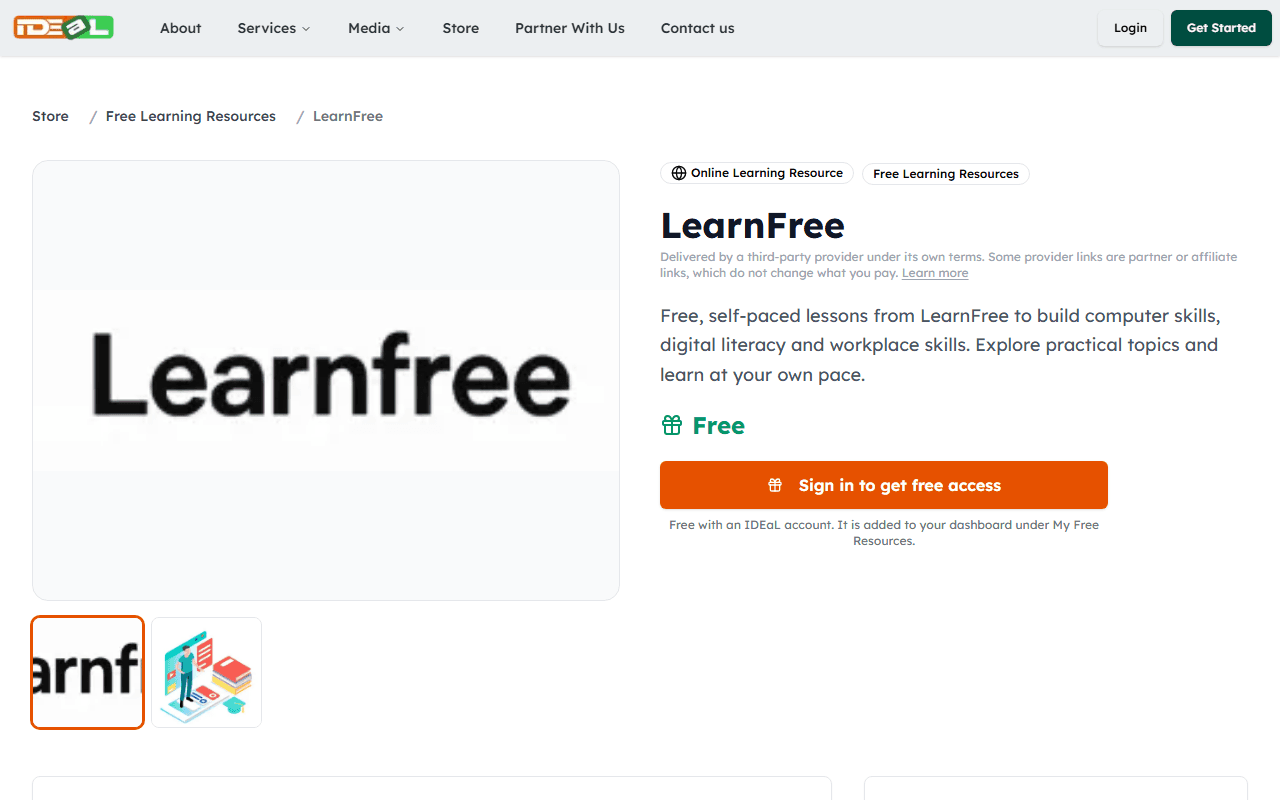
In the Store, open a listing marked Free. The page explains what the resource is and who provides it. Many free resources are run by partner organisations on their own websites, under their own terms.
A free resource listing
2
Get free access
Click Get Free Access (sign in first if asked). The resource is added to your dashboard under My Free Resources. There is no payment and no checkout.
3
Open it from your dashboard
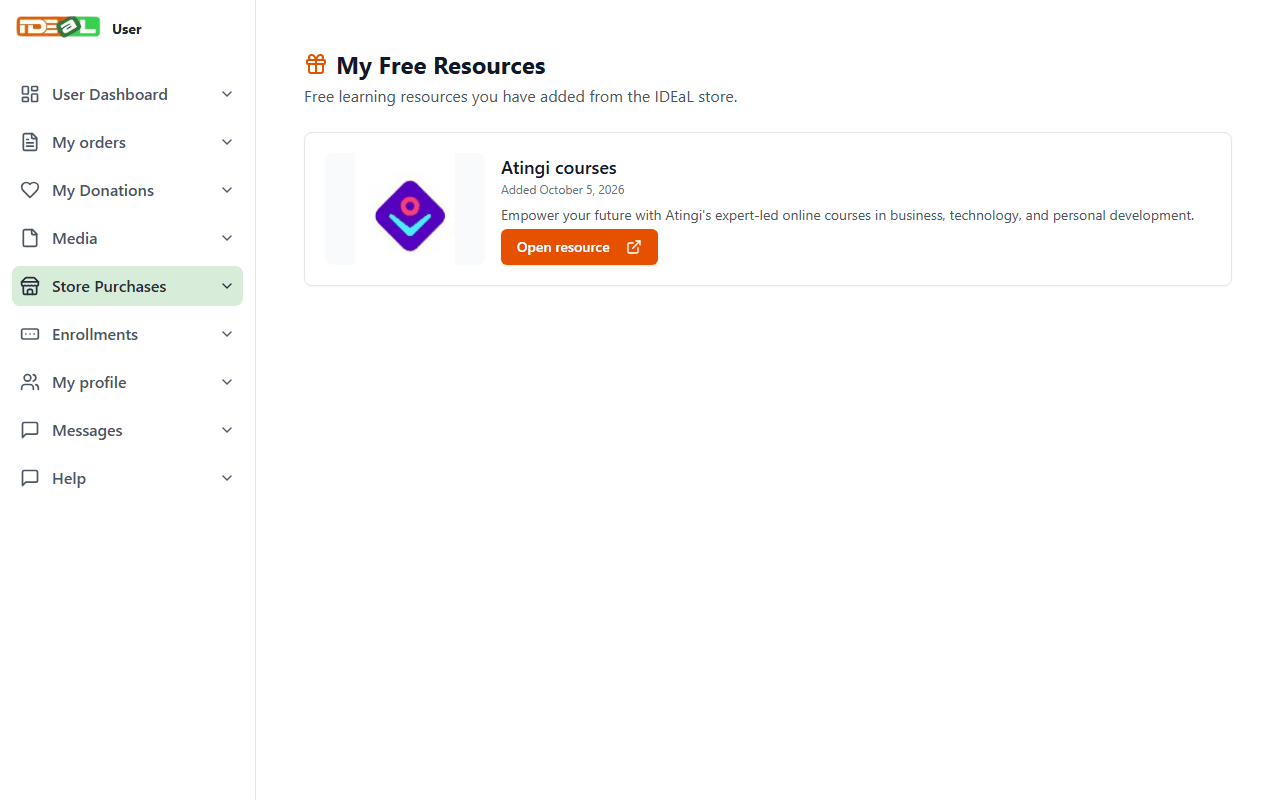
Go to Store Purchases → My Free Resources in your dashboard and click Open resource. It opens the provider’s website in a new tab, where you may need to create a free account with them.
My Free Resources
4
Downloadable guides
Some free resources are PDF guides. On their listing, click Download PDF to save the file to your device.