1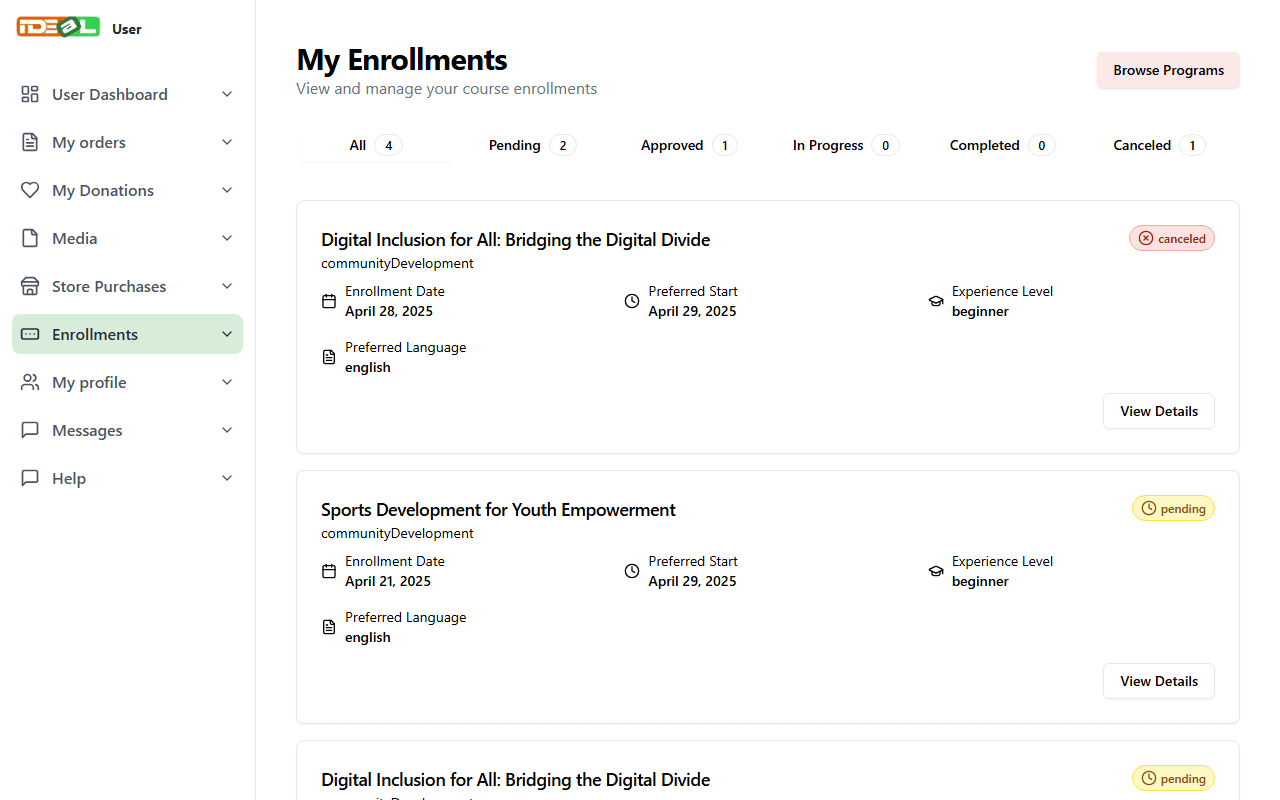
My Enrollments
Open your enrollments
In your dashboard, choose Enrollments in the menu. Use the tabs to filter by status, and click View Details to see everything you submitted.
2
What each status means
- Pending: we have received your application and will review it.
- Approved: your place is confirmed. We will contact you with the next steps.
- In Progress: your programme has started.
- Completed: you have finished the programme.
- Canceled: the application was withdrawn or could not go ahead.
Need to change something in your application or withdraw it? Contact us with the programme name. See our Refund & Cancellation Policy for fees.
Was this guide helpful?