Open the sign-up page
Click Get Started at the top right of any page. If you already have an account, use Login instead.
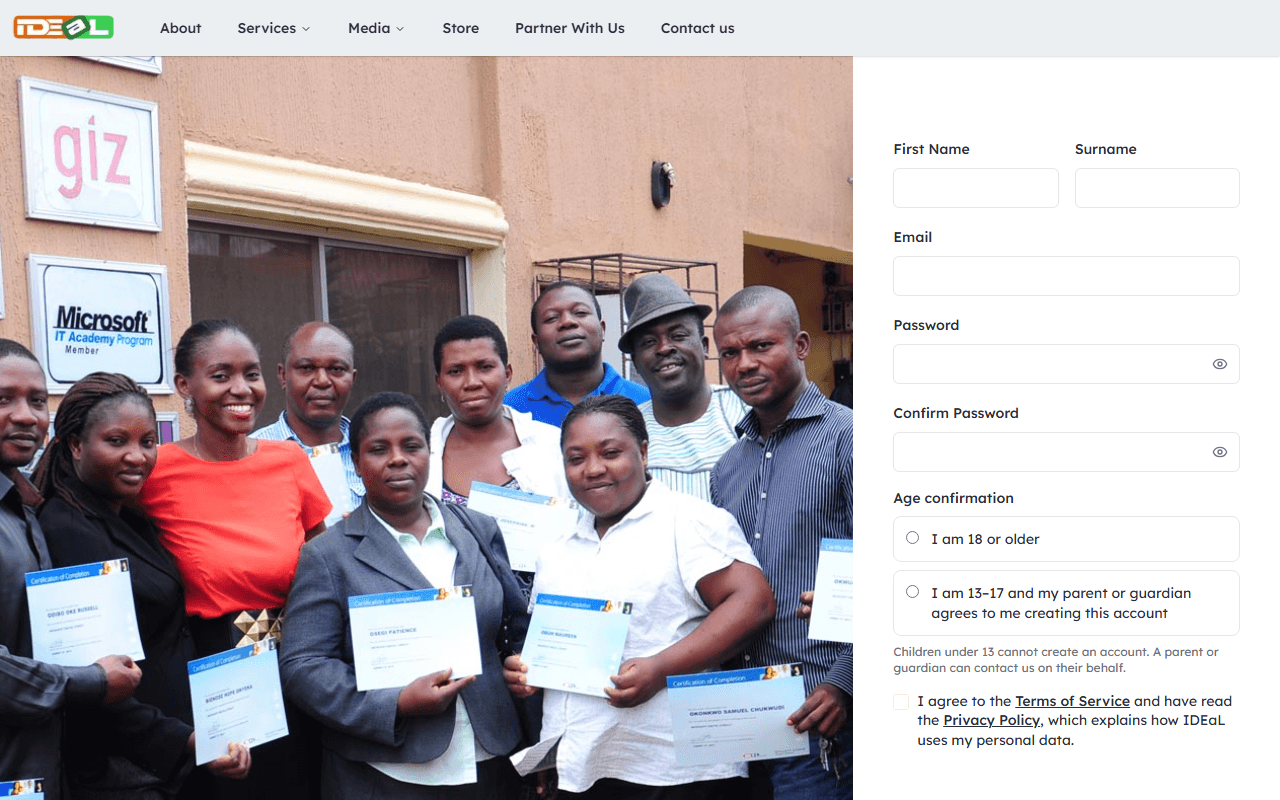
Enter your details
Type your first name, surname and the email address you check most often, then choose a password and type it again to confirm it.
Your password must have at least 8 characters, including:
- an uppercase letter and a lowercase letter
- a number
- a special character such as
! @ # $ % ^ & *
Use a password you do not use on any other website.
Confirm your age
Choose the option that applies to you:
- I am 18 or older: you can use your account straight away after verifying your email.
- I am 13–17 and my parent or guardian agrees: enter your parent or guardian’s name and email address. We email them a link to approve your account, and you can use it once they approve.
Children under 13 cannot create an account. A parent, guardian or school can register them for a programme by contacting us.
Accept the terms and sign up
Read and tick I agree to the Terms of Service (the box also links to the Privacy Policy), complete the short security check if one appears, then click Sign Up.
Verify your email address
We send a 6-digit code to your email. Type it on the Verify Your Email page and click Verify. The code works for 15 minutes.
Can’t find the email? Check your spam, junk or promotions folder and search for “IDEaL”.
If your code has expired, contact us and we will help you finish setting up your account.
Prefer to use Google?
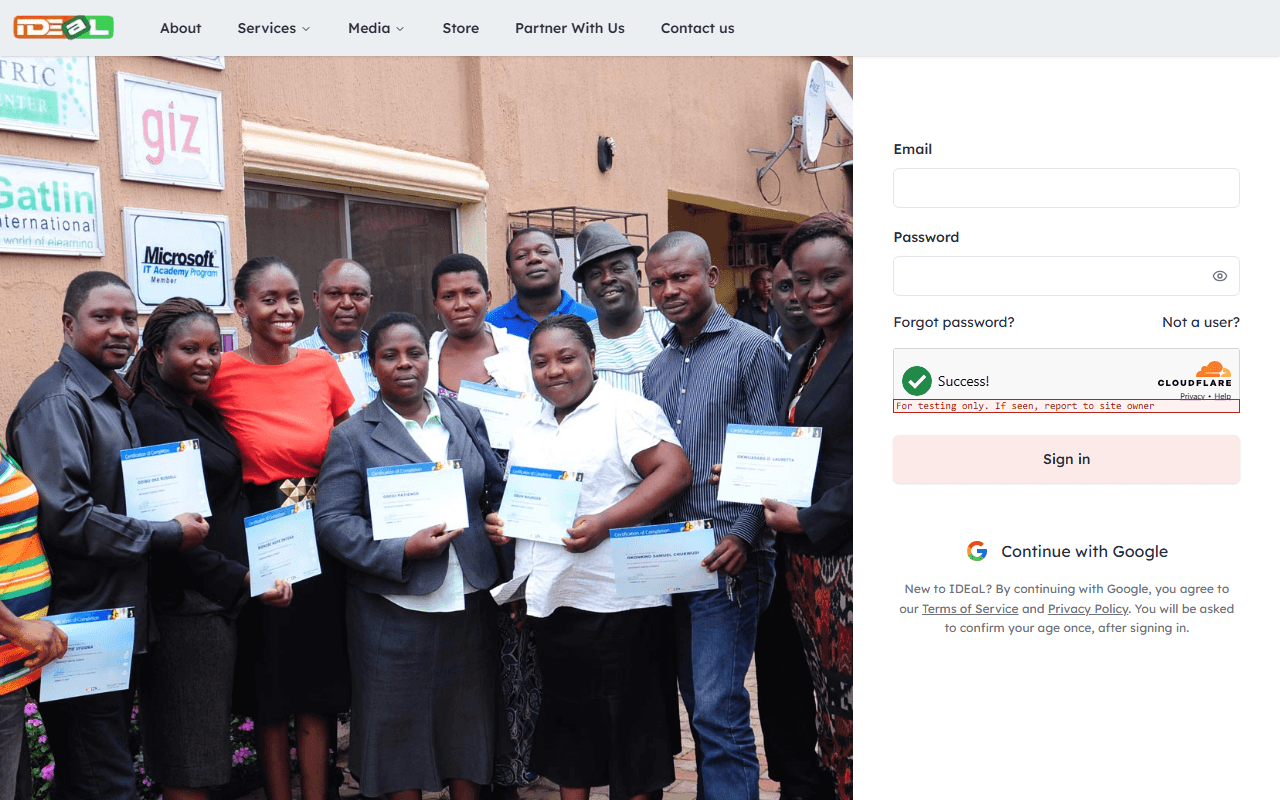
On the Login page, click Continue with Google and choose your Google account. The first time, we ask you to confirm your age once. You do not need a separate IDEaL password.
Was this guide helpful?