Sign in
Click Login at the top right, enter the email address and password you signed up with, complete the security check and click Sign in. If you signed up with Google, click Continue with Google instead.
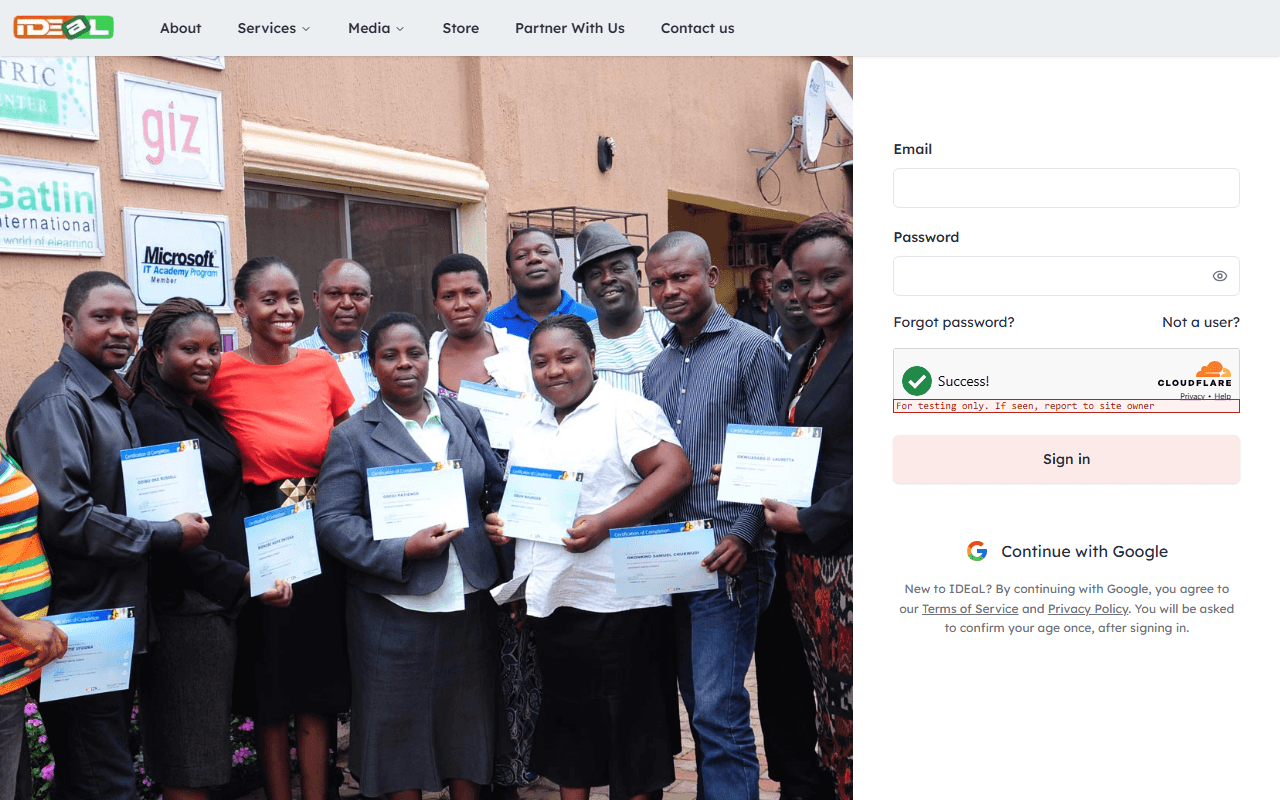
Forgotten your password?
On the sign-in page, click Forgot password?, enter your email address and submit the form. If an account exists for that address, we email you a reset link.
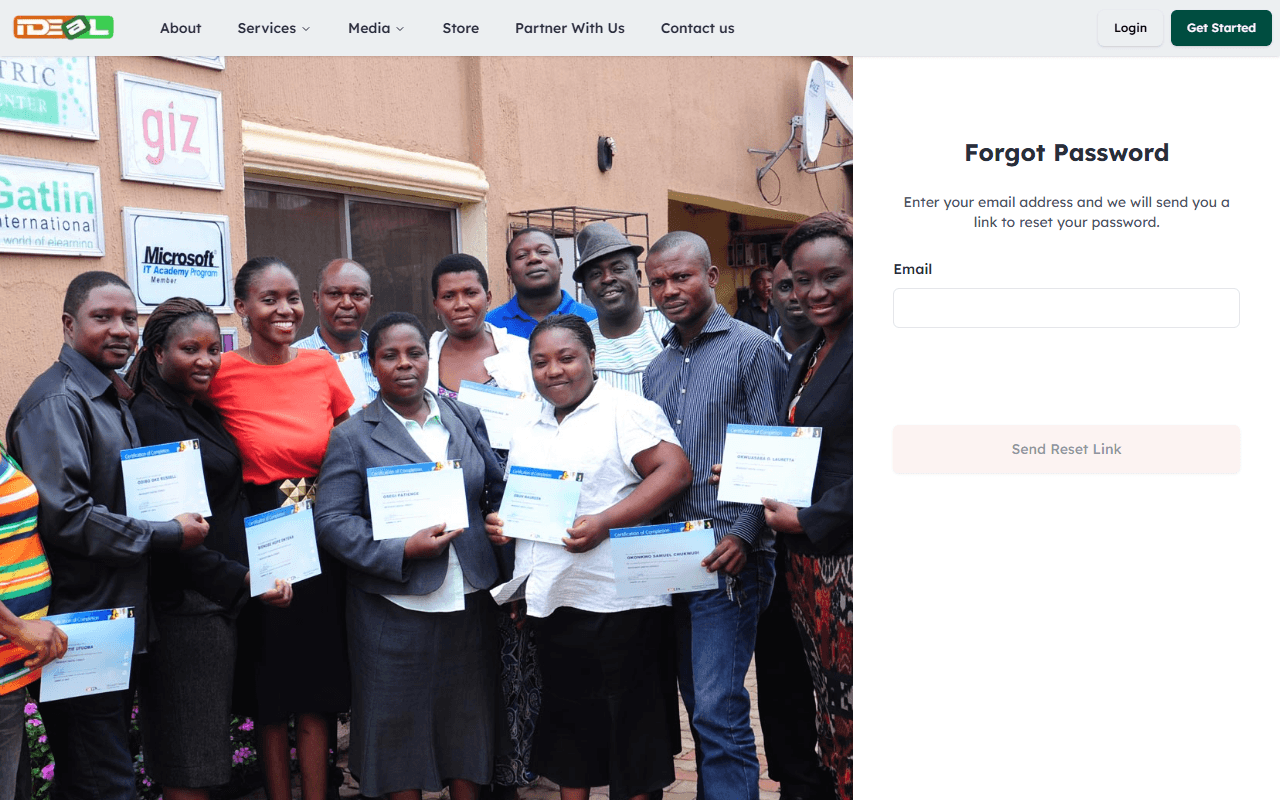
Choose a new password
Open the email and click the link. It works for 1 hour and only once. Choose a new password that meets the rules shown, then sign in with it.
Didn’t get the email? Check your spam folder, make sure you typed the address you signed up with, or try again after a few minutes. Accounts created with Google do not have an IDEaL password: use Continue with Google.
Was this guide helpful?
Related guides
Create your IDEaL account
Sign up with your email address or Google account, confirm your age and verify your email so you can enroll, order and track everything in your dashboard.
Find your way around your dashboard
Your dashboard brings together your enrollments, orders, free resources, messages and profile in one place.