Choose whether videos, podcasts and maps from other providers can load, and change your choice at any time.
3 steps About 2 minutesUpdated 15 October 2026
1
Make your choice
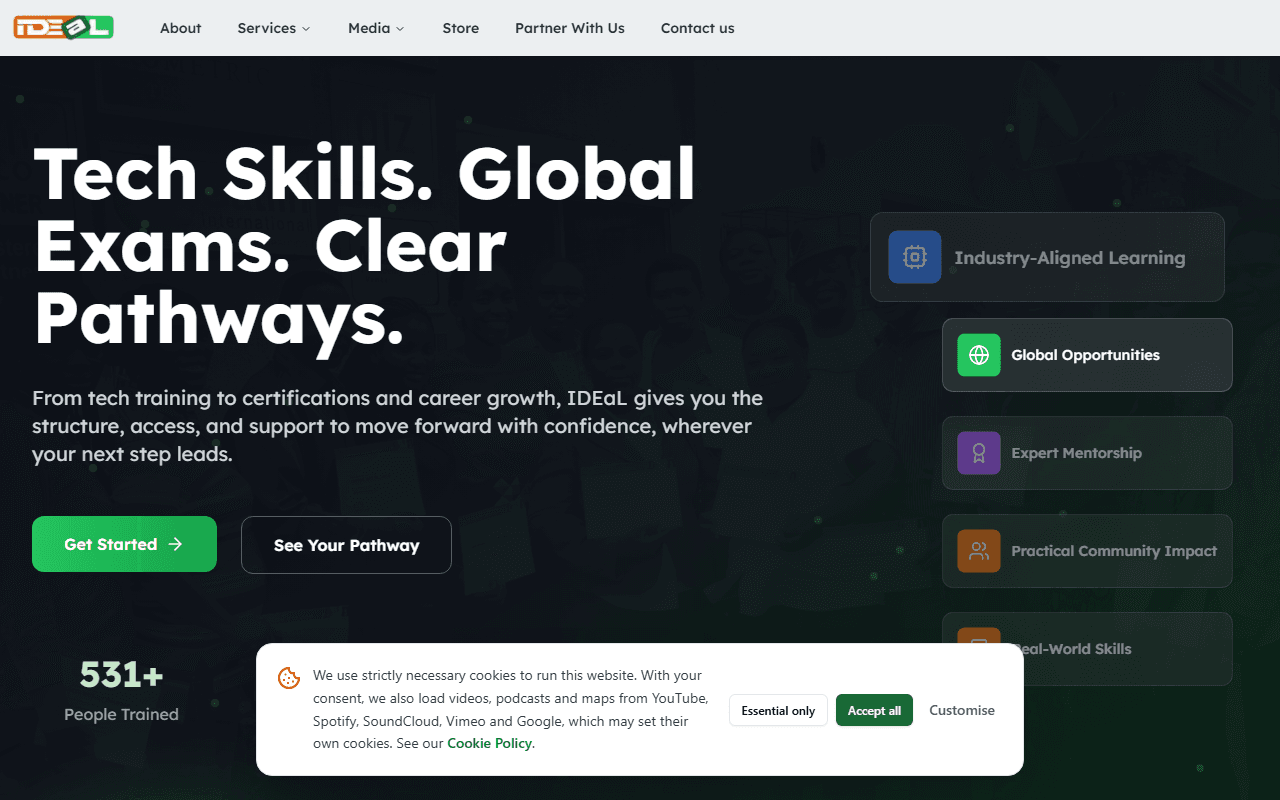
On your first visit, a banner at the bottom of the page asks about cookies. Choose Accept all, Essential only or Customise. Essential cookies keep the website working (for example keeping you signed in). The only optional setting is embedded media: videos, podcasts and maps from YouTube, Vimeo, Spotify, SoundCloud and Google Maps.
The cookie banner
2
Change your choice later
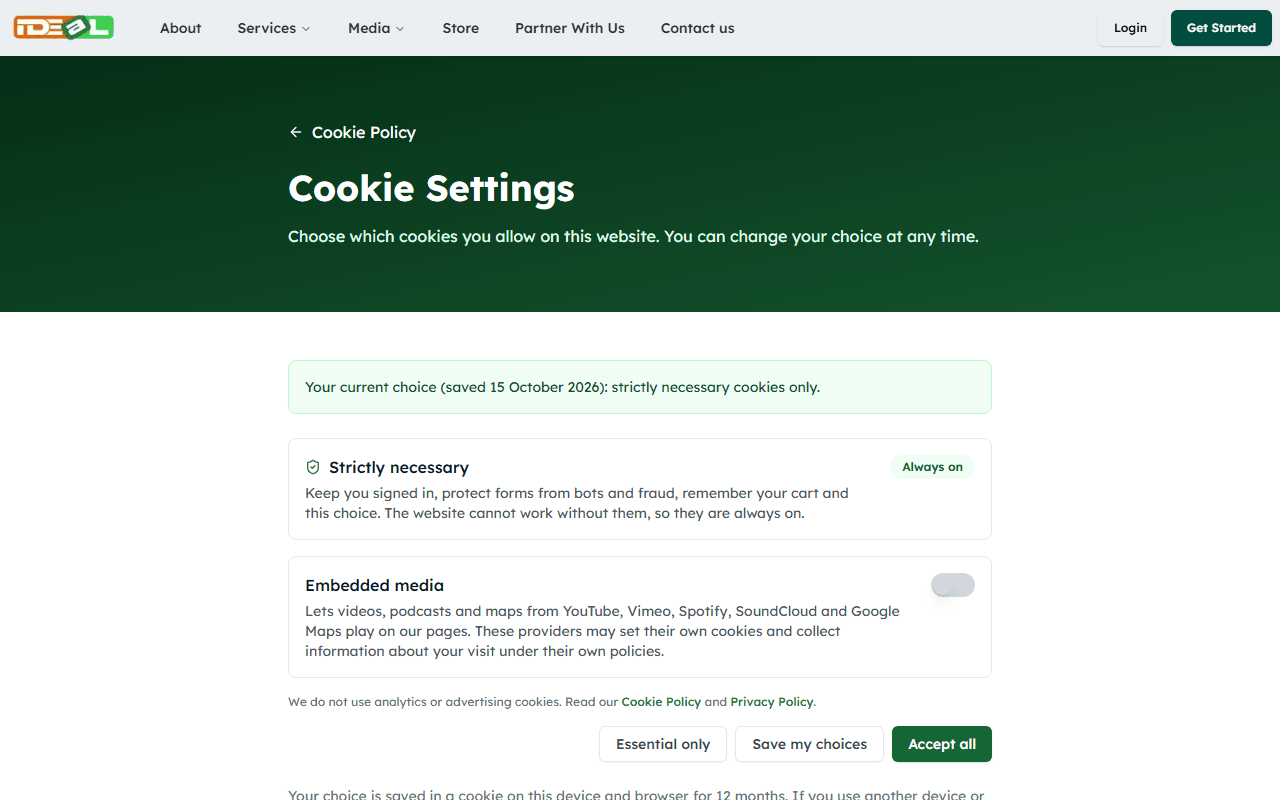
Click Cookie settings at the bottom of any page, or open the Cookie Settings page, switch embedded media on or off and save.
Cookie Settings
3
Load one item only
If you chose Essential only, videos and maps show a notice instead. Click Load this video (or map or podcast) to load just that item, or Always allow embedded media to allow all of them.
We do not use analytics or advertising cookies. Read more in our Cookie Policy.